Changing your myMLA email address
This page provides information on how to change your email address on your MyMLA user account.
1. Navigate to Update email address page
To change the email address of your MyMLA User, click on this link.
https://www.mla.com.au/mymla/my-account/email-address/
Alternatively, after you have logged in to MyMLA, you can navigate to this page by clicking on your profile in the top right corner and then choosing the Update email address option from the menu.

2. Change your MLA Membership email address
Next, complete the Change your email form as shown below, entering your new email address.
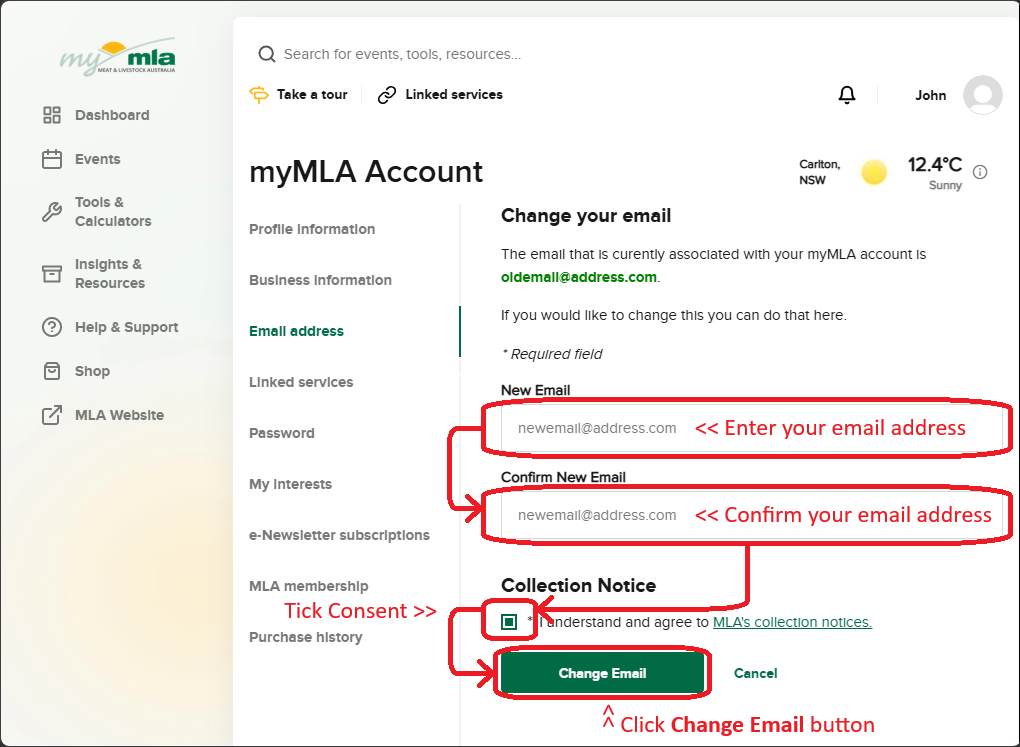
Click the Change Email button and a verification email will been sent to your new email address.
3. Click the link in the verification email
Please check your inbox and click on the verification link to complete your update.
Until you do this your old email address will still be active as your my MLA login.
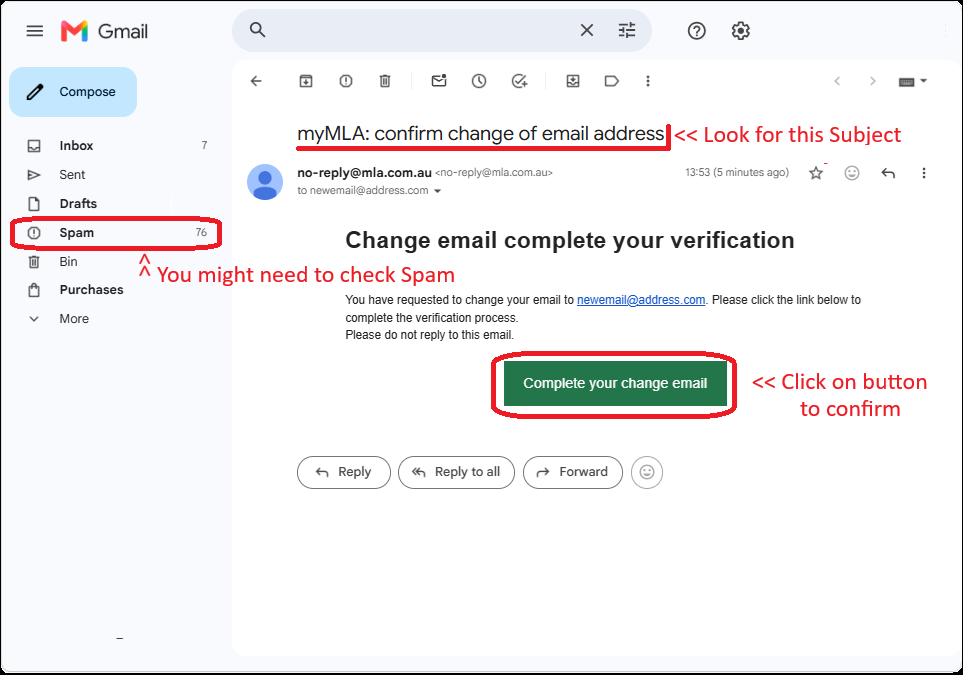
The email may take a-minute-or-two to arrive, and you may need to check either your Junk or Spam folder if you can't see it in your inbox.
Once you find and open it, click on the Complete your change email button.
4. Next time you login
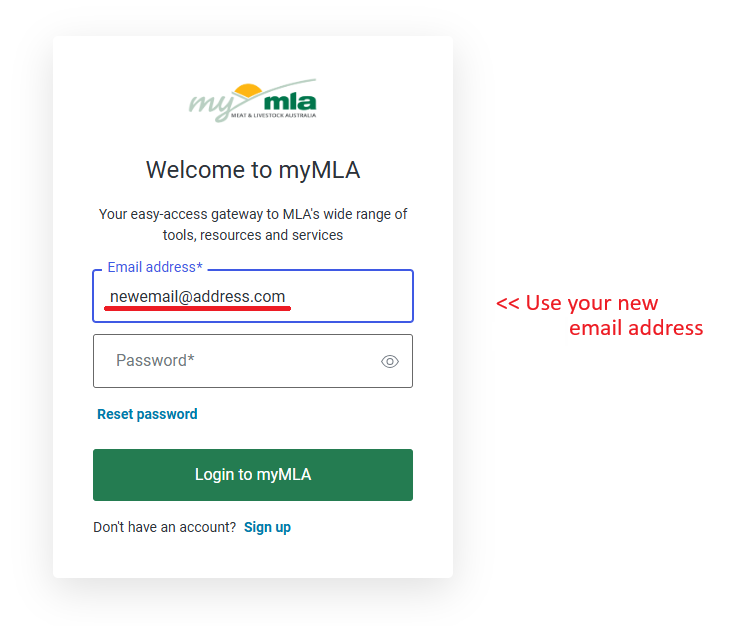
The next time you login to myMLA, you will need to use your new email address, but your password remains the same.